Table of Contents
Back Bone [BB]
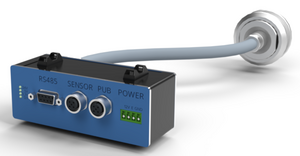
All autonomous vehicles may be required to install a BB.
See also 2027 Official Rules Chapter IV Article 413: Telemetry
Description
The Backbone is part of the On Board Computer. For details see OBC.
Installation at event
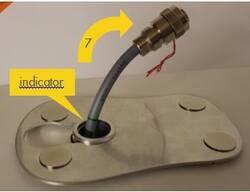
Follow the steps below to install the Backbone and holding plate on the car roof.
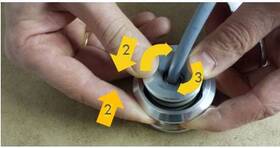
- Ensure the spring sits on the shaft.
- Pull the torus over the shaft.
- Turn the torus to lock it so it cannot slide back.
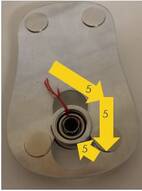
- Push the shaft through the hole in the car roof.
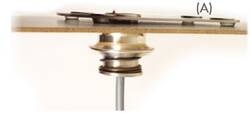
- Unlock the torus and let it gently slide back until it looks like (A).
- Mount the Backbone inside the car such that the cable can be pulled at least 10cm (4“) through the shaft (indicator visible) to the outside of the vehicle. This leaves about 30cm (1ft) of cable and the flexibility to mount the Backbone in a convenient location inside the vehicle.
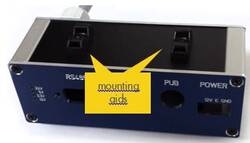
- There are two zip tie mounting aids on the bottom of the Backbone. They can also be mounted on the top.
- Insulate the hole in the vehicle body with tape.
Caution! The connector box is not waterproof and must be kept dry.
Characteristics
For details see OBC.
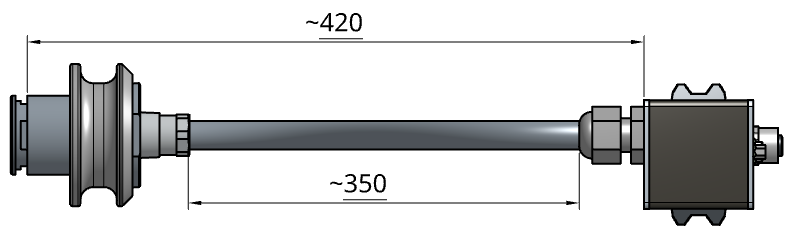
Drawing and Dimensions
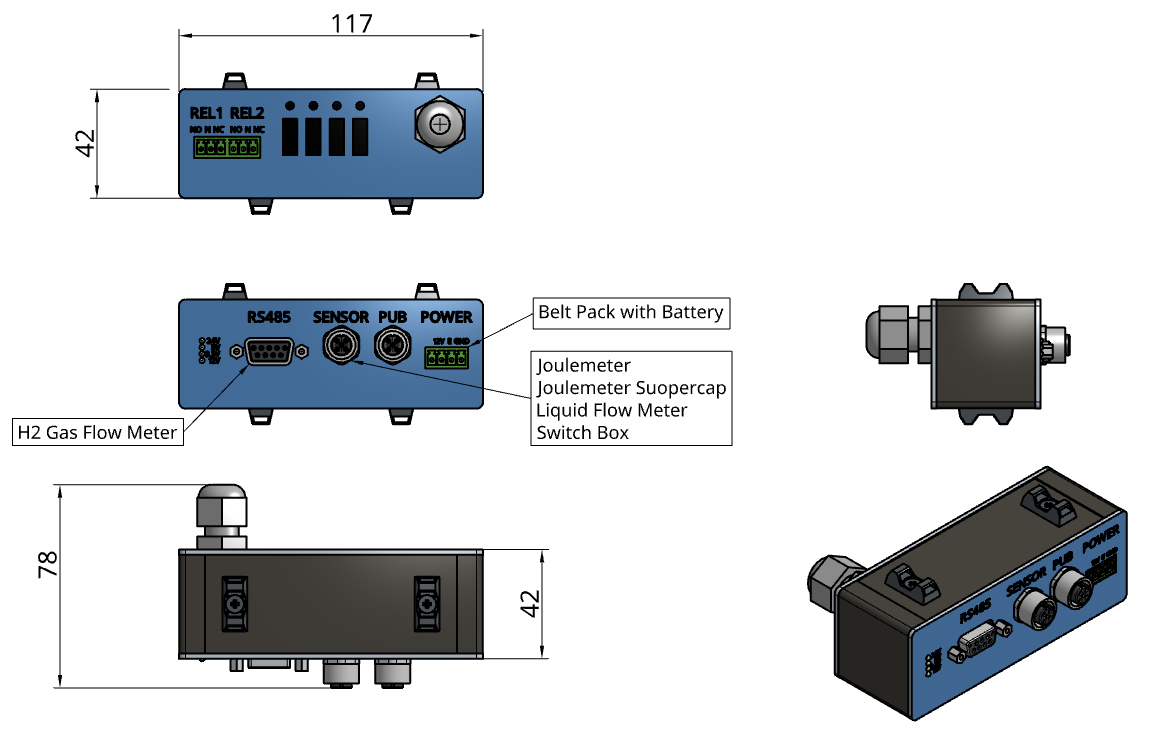 Cable length (incl. plug) approx. 40cm