Table of Contents
Cables
Description
The cableing can consist of the following parts:
| CAN Cable(s) | 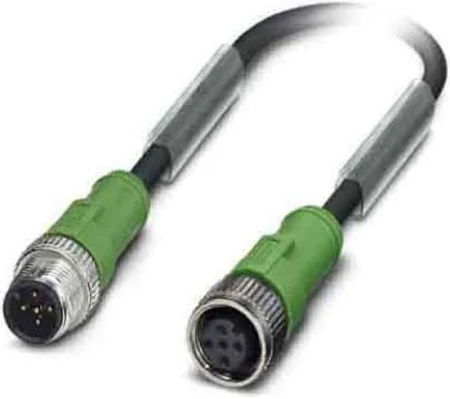 | Used to connect Joulemeter [JM], Joulemeter for Supercapacitor, Liquid Flow Meter [LFM] and Switch Box to the Back Bone (BB) of the On Board Computer (OBC). Lenght ~ 1,5m |
| T-Splitter(s) | 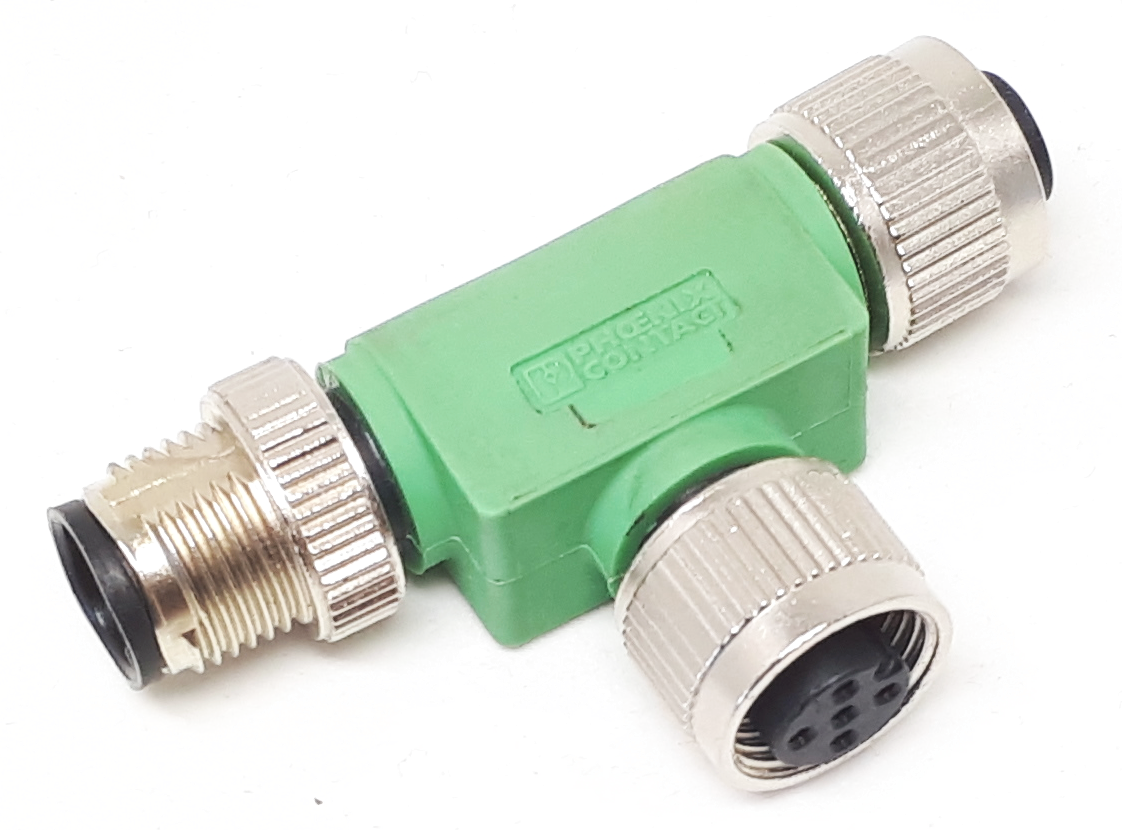 | Used to connect CAN cables and sensors |
| RS485 Cable | 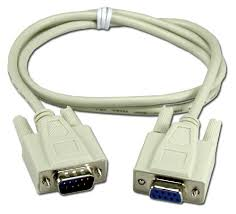 | Used to connect Gas Flowmeter (GFM) (compact) to the Back Bone (BB) of the On Board Computer (OBC). Lenght ~ 1,5m |
Installation at event
CAN
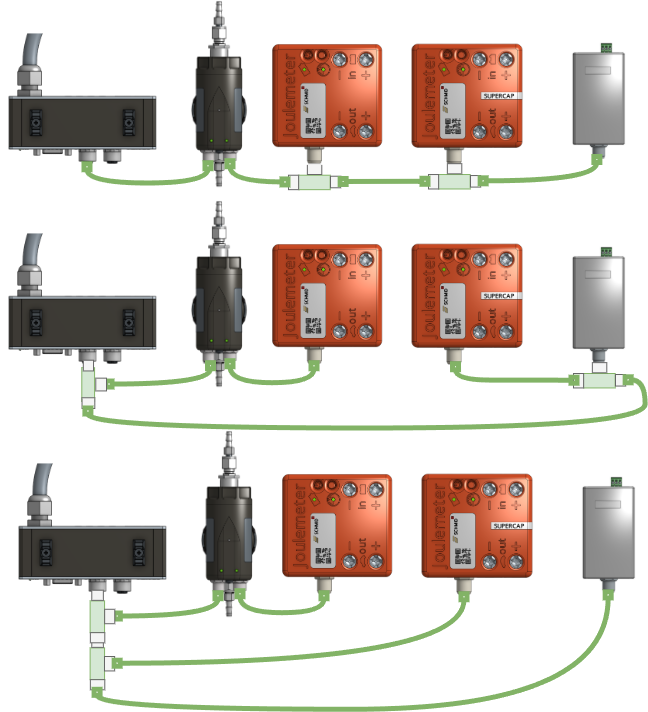
Sensors that have a CAN connector such as Joulemeter [JM], Joulemeter for Supercapacitor, Liquid Flow Meter [LFM] and Switch Box must be connected with the CAN cables and T-Splitters.The order in which the sensors are connected does not matter.
Here are examples of possible CAN bus topologies:
Dos and Don‘ts
| Reduce the area of loops to minimize EMI through induction on the telemetry. | 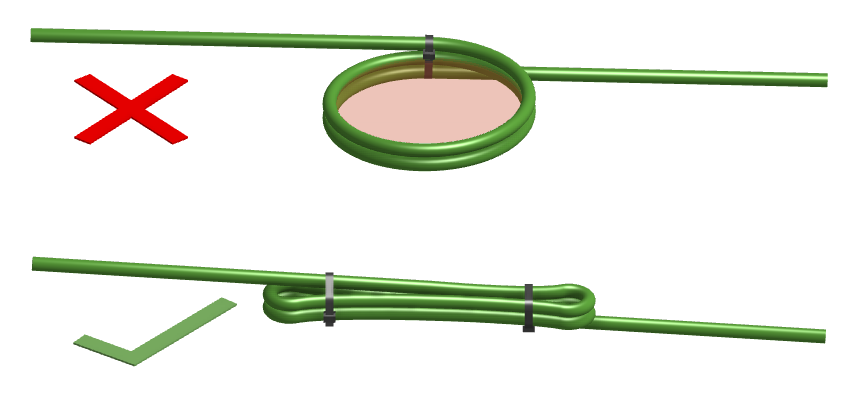 |
|---|---|
| Do not route the telemetry cables in parallel with - power cables or -wires with high frequency signals | 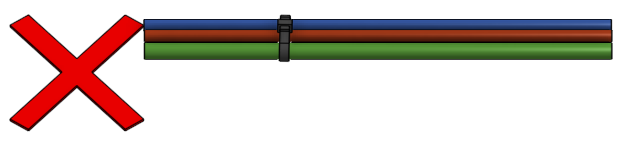 |
| Do not route the telemetry cables close to EMI emitting parts (eg spark plug, starter motor, inverter, valves etc) of the car. | 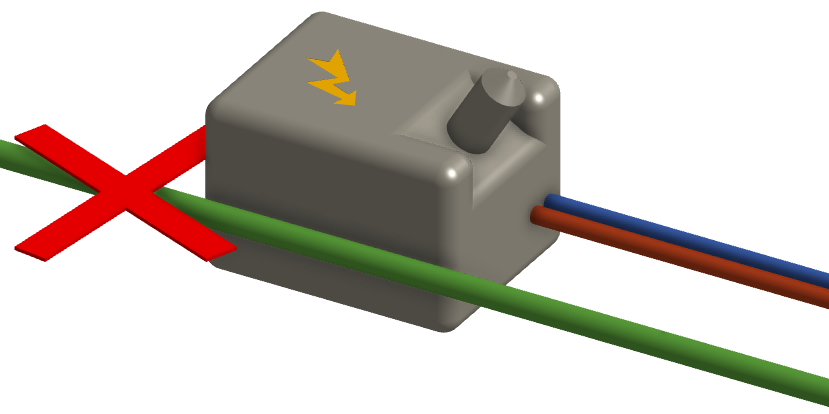 |
| Make sure the whole telemetry system is isolated from your vehicle. The resistance measured between the telemetry system and any part of the vehicle (eg, chassis, negative lead of the battery etc.) must be > 100kΩ. | 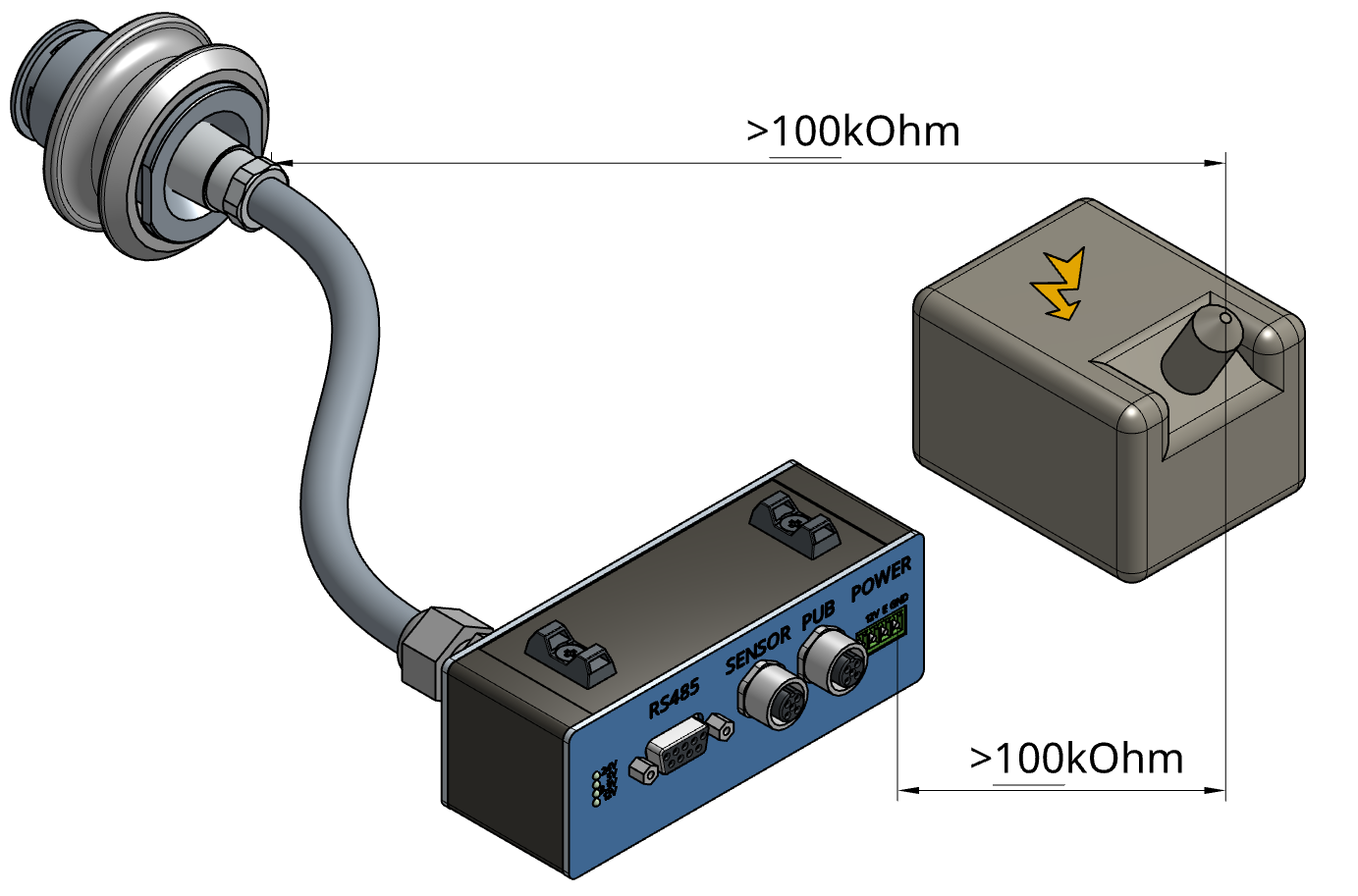 |