
Sidebar
student_documentation:charging
Table of Contents
Charging the Sensors
Equipment
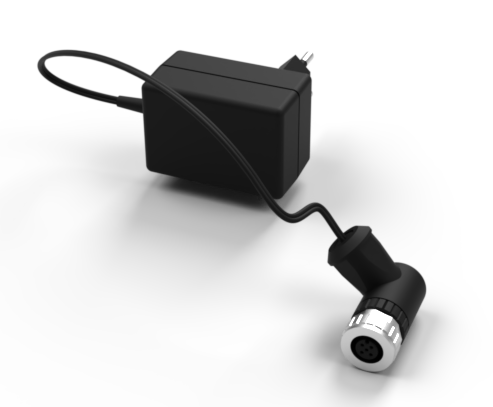
What is it used for?
This device is used to charge the sensors.
If charging is done with the charging adapter this device is not needed.
How do I connect the charging equipment
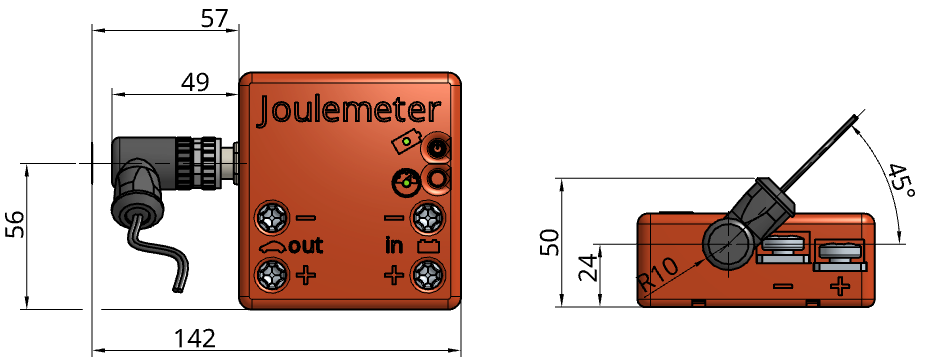
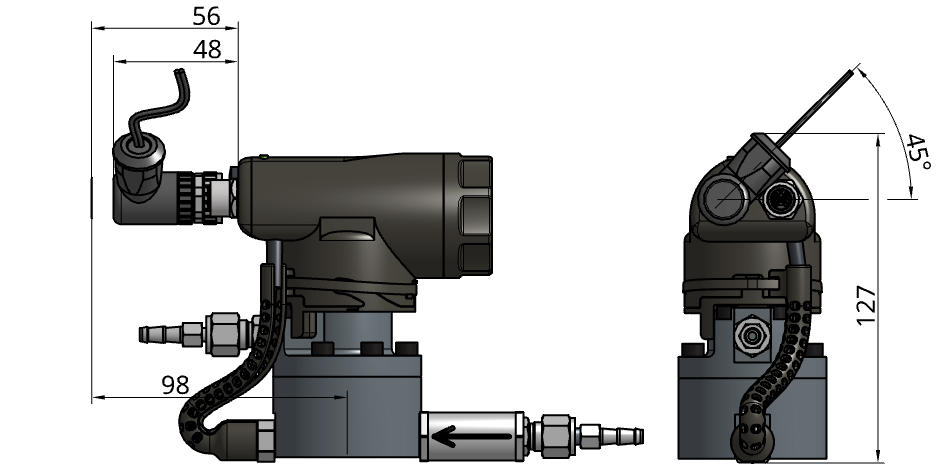
Plug the charging adapter as shown in the figure below. The orientation of the plug must be exactly as depicted:
Connecting to the Joulemeter
Connecting to the Liquid Flow Meter
How do I charge my Sensor?
- Connect the charging equipment to the power outlet.
- Connect the charging equipment to the sensor.
 Make sure not to bend the pins
 - Turn on the Sensor (The sensor must be on for the battery to charge.)
- (Ignore for LFM) To initiate charging mode on a Joulemeter press the Function button on the Joulemeter for 5sec.
- The Sensor's battery LED will be blinking as long as charging is in progress.
Log In (for D&T Team and Volunteers ONLY) student_documentation/charging.txt · Last modified: by Beni Ammann